

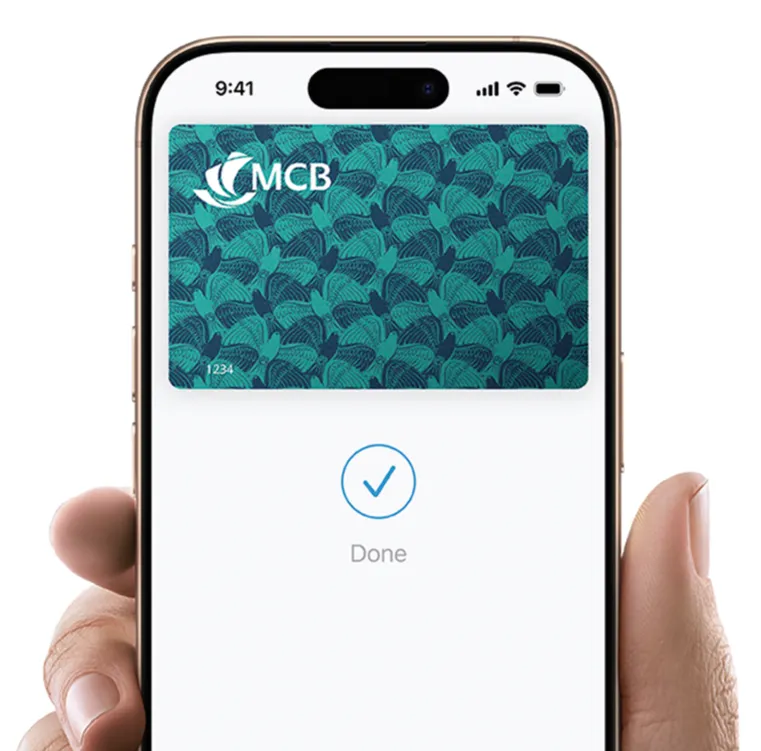

Your iPhone is now your MCB card.
Apple Pay is an easy, secure, and private way to use your MCB card on all your Apple devices.
Your iPhone is now your MCB card.
Apple Pay is an easy, secure, and private way to use your MCB card on all your Apple devices.
An easy, secure, and private way to pay.
Apple Pay lets you make purchases with your MCB card using any Apple device - just like you would with your physical card - in stores, online, and in apps.
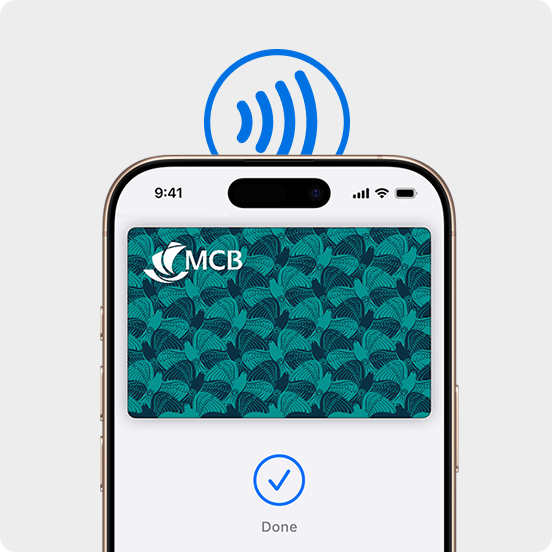
Apple Pay on one.
Apple Pay on all.
Apple Pay is built into iPhone, Apple Watch, Mac, iPad, and Apple Vision Pro. Set it up in a few steps and you can easily use your MCB card across all your Apple devices to make purchases online, in apps, and in person.
Shop in person. Online.
Or in apps.
Apple Pay is accepted by millions of merchants worldwide. Just look for the contactless payment symbol at checkout. To check out with Apple Pay, double‑click the side button and authenticate with Face ID, Touch ID, or your passcode.
Designed to be secure.
So only you can pay.
Apple Pay uses the privacy and security features built into your Apple device. Every payment requires authentication through Face ID, Touch ID, Optic ID, or your passcode. So only you can authorize payments with your MCB card.
Set up in seconds. Directly on your iPhone.
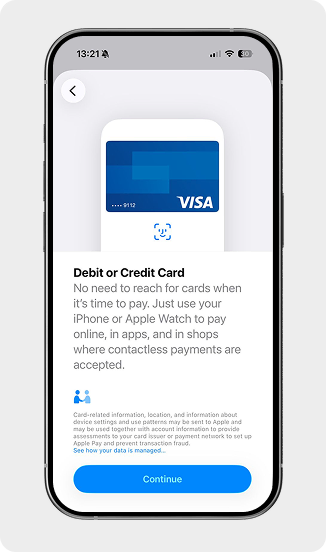
Set up in seconds. Directly on your Juice app
How to videos
How to add a debit or credit card on your iPhone
If you have an eligible card, you can tap your card on your iPhone to add it. Or, you can add your card manually. If you have any issues adding a card, contact your card issuer.
Use Face ID on your iPhone or iPad Pro
Face ID lets you securely unlock your iPhone or iPad, authenticate purchases, sign in to apps, and more all with just a glance.
Use Touch ID on iPhone and iPad
Learn how to set up and use Touch ID, a fingerprint identity sensor that makes it easy for you to get into your device.
The card benefits you love. With Apple Pay.
Welcome to a world of convenience, flexibility and rewards every time you shop, travel or pay with our cards, offering exclusive deals, travel and lifestyle privileges, secure contactless payments and added value designed to elevate your everyday experiences.